Give it the right input.
The original eight Seconds learn from a representative passage or reference. Seat needs the competing sound on its sidechain; Steady and Prep analyze continuously while audio plays.
The Seconds Suite · User guide
Each Second listens for something different. This guide shows what to play or route into it, what the plate learns, and how to turn the result into a better session.
Start hereLet the plate listen. Then turn with intent.
Before the first turn
The original eight Seconds learn from a representative passage or reference. Seat needs the competing sound on its sidechain; Steady and Prep analyze continuously while audio plays.
For a tasting plate, wait until analysis reaches 100%. Seat reports masking, Steady reports gain riding and Prep reports the vocal events it is cleaning.
Zero is clean, latency-aligned bypass on every Second. Move upward until the problem is solved, then back off one step if the processing calls attention to itself.
Plate controls
Sear needs attacks, Sift the repeating ring, Strain gaps, Rinse noise plus decay, Reduce the fullest section, Infuse a comparable reference, Simmer one clap and Sweeten several clear notes. Seat needs the competing signal on its sidechain; Steady needs complete phrases; Prep needs an untreated vocal.
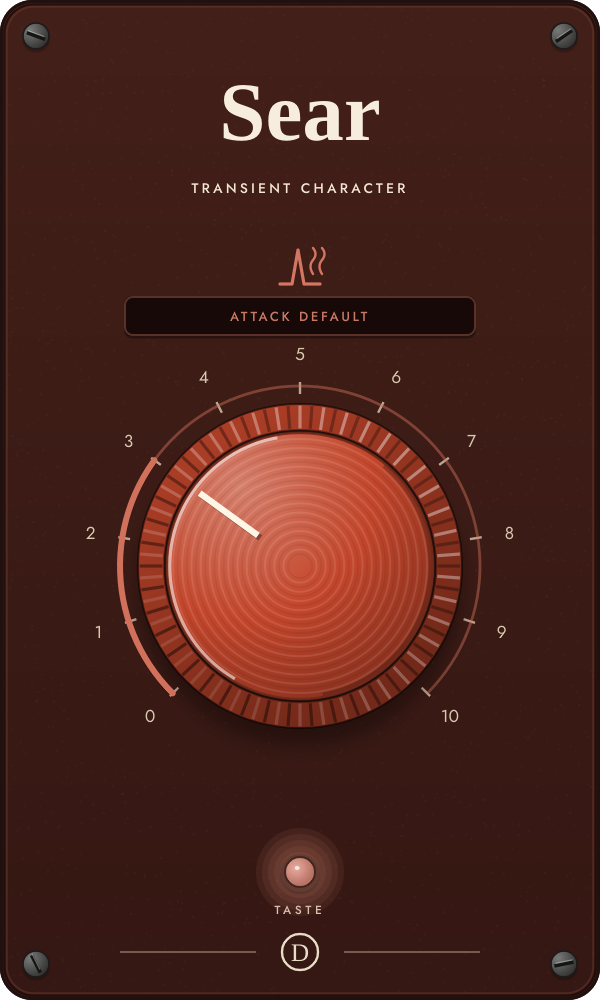
Sear learns how quickly and how often the source attacks, then colors the attack and body as separate layers.
CleanBit-exact bypass.
BiteA little attack lift, drive and body control.
Grit and airClear transient color with glue and warmth underneath.
Hard crustStronger clipping on the attack layer and tighter body.
Focus on the first instant of each hit and the weight directly behind it. The attack should gain definition without hats becoming brittle or the body pumping.
Taste a section with several representative attacks—not silence or a long sustain. Start at 3, then compare 5 and 8 while the full mix plays.
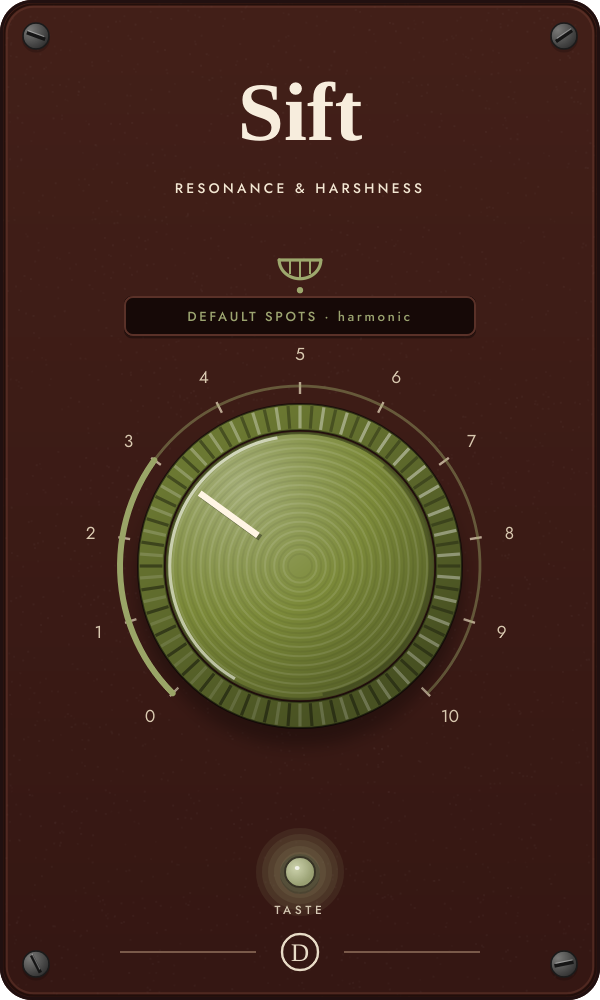
Sift finds up to six narrow, persistent resonances, then applies dynamic cuts only while those bands rise above their learned normal level.
UntouchedBit-exact bypass.
GentleOnly the clearest rings receive modest, slower cuts.
ControlledFaster and deeper dynamic resonance reduction.
SurgicalBroader sensitivity and cuts up to the maximum depth.
The painful ring should recede while the rest of the tone stays alive. Clean material may change very little—that is correct behavior.
Taste a passage where the problem repeats across different notes or hits. Give Sift another half-second to calibrate after tasting, then sweep 3–8.
Know this: If the gauge says no ring was found, it uses gentle default trouble spots. Retaste a more revealing passage before turning it to 10.
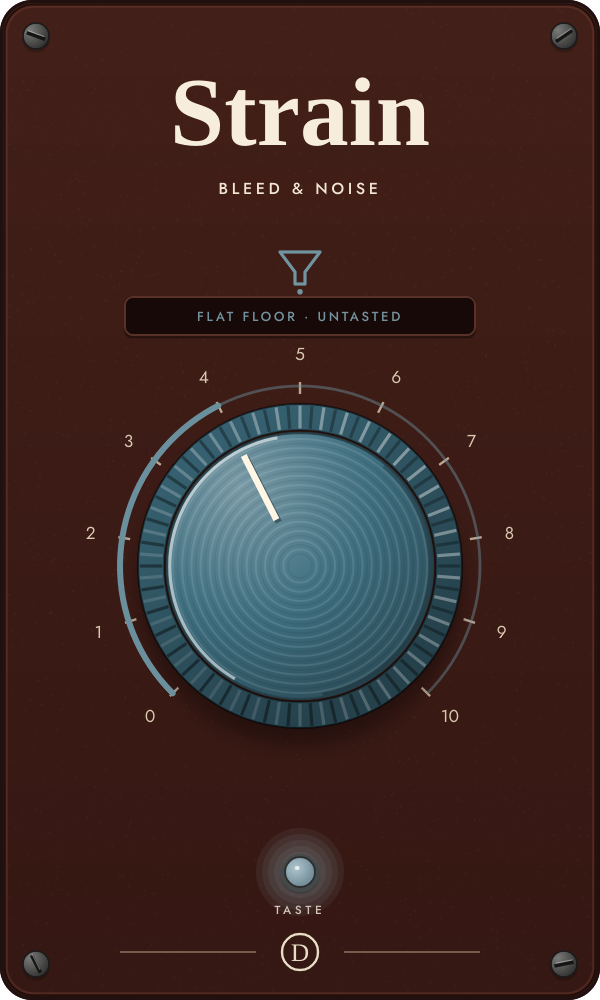
Strain learns the steady spectral floor beneath a performance and gates each frequency bin against that floor.
OpenBit-exact, latency-aligned bypass.
Transparent gapsQuiet bins close gently while the performance stays open.
Pull the leak downMore threshold and faster, deeper closing between phrases or hits.
Near-isolatedAggressive spectral gating for obvious cleanup.
Listen to word endings, cymbal decay and quiet notes. Back off if they chatter, dull or develop an underwater texture.
The two-second taste must include real gaps between phrases or hits so Strain can hear the leak by itself. Start at 3–4 and raise only as far as the gaps require.
Know this: A held note with no gaps cannot reveal the leak, so Strain deliberately stays gentle. This version is a learned spectral gate, not full source separation.
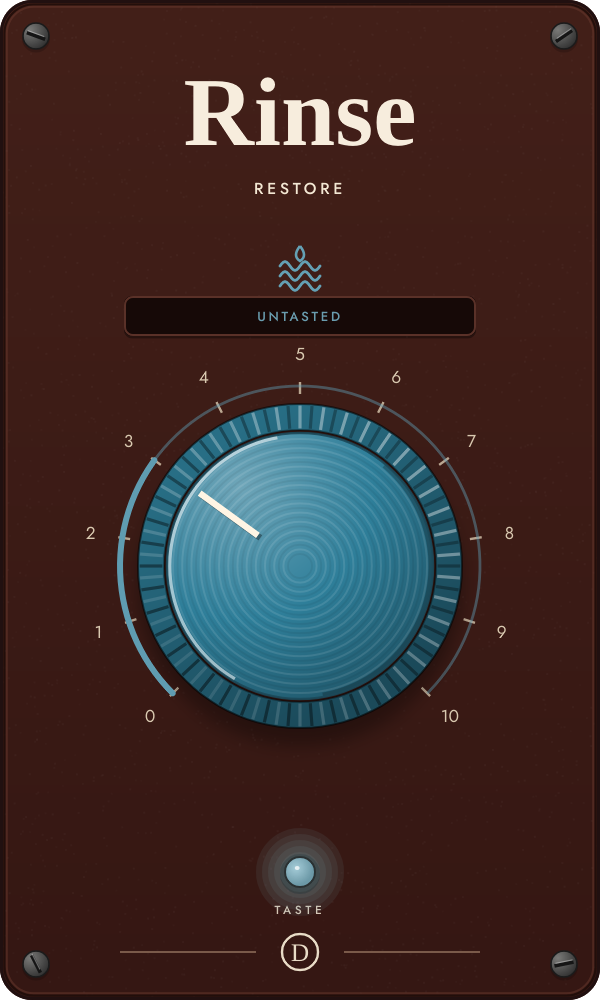
Rinse enters three restoration stages in order: learned hiss removal, room-tail suppression, then limited upward expansion for over-limited material.
OriginalBit-exact, latency-aligned bypass.
HissSubtracts the learned noise print with a soft safety floor.
RoomAdds progressively stronger suppression of slow late tails.
SheenAlso lifts peaks when the taste proves the source was over-limited.
At low settings, listen for musical-noise chirps. In the middle, verify that onsets keep their weight. At the top, hear whether punch returns without sharp jumps.
Taste a passage containing some quiet noise, a few onsets and their decay. Solve hiss first around 2–3; only continue upward if room or flattened dynamics also need work.
Know this: If the material is not over-limited, the final expansion stage intentionally does nothing. Rinse cannot reconstruct clipped information.
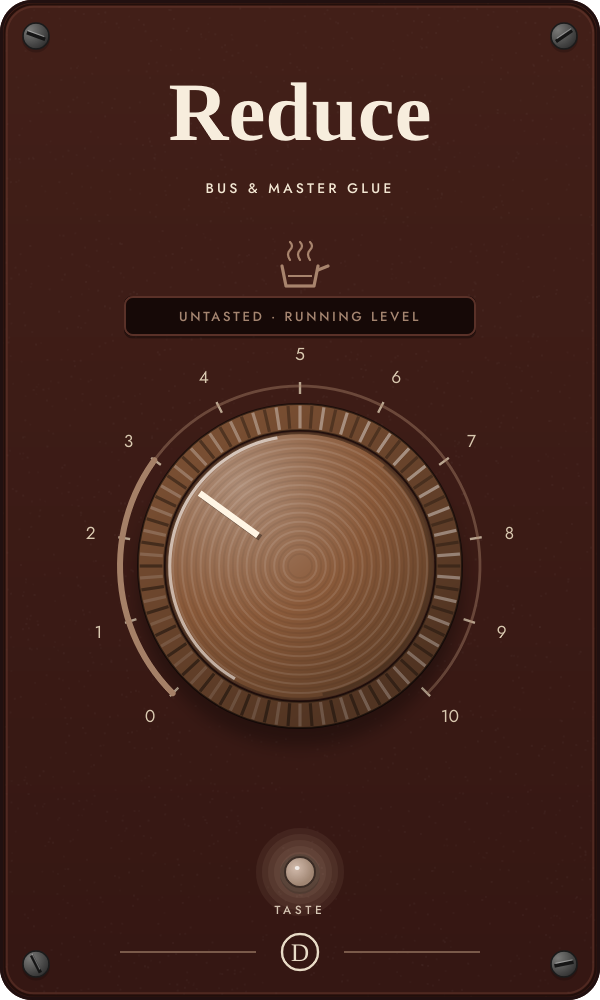
Reduce combines measured tonal correction, level-aware glue compression, mid/side harmonic density, mono low end and restrained width.
OpenBit-exact, latency-aligned bypass.
Gentle glueLow-ratio compression and the first touch of density.
Balance and warmthMore glue, saturation and movement toward the tasted tone target.
FinishedStronger density, tidier mono lows and a modestly wider upper image.
The mix should feel more connected rather than merely louder. Check kick movement, vocal stability and whether the sides stay calm in mono.
Taste the loudest, fullest section—not an intro or breakdown. Start at 2–3 on a mix bus and 4–5 on a stem; let the loudness matcher settle before comparing.
Know this: Reduce is a finishing processor, not a replacement for fixing an individual track that is clearly wrong.
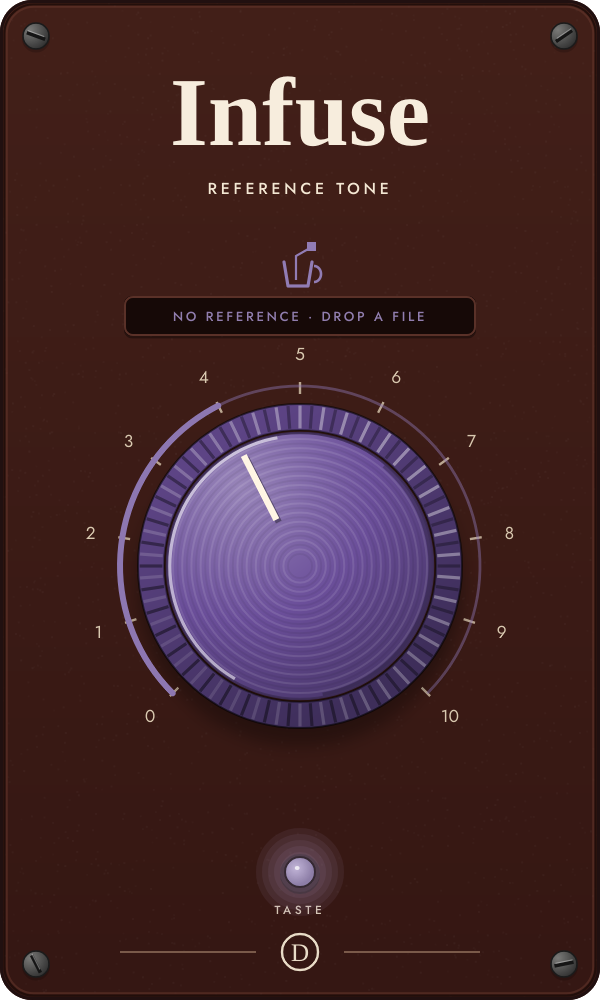
Infuse compares your track with a dropped reference and moves tone first, density second and stereo image last.
OriginalBit-exact bypass.
ToneMoves the ten-band spectral shape toward the reference.
DensityAlso closes part of the crest-factor gap with glue compression.
ImageAlso moves upper stereo width toward the reference correlation.
Compare balance, punch and width—not overall volume. The correction is capped and loudness-neutral so it should guide rather than clone.
Drop a WAV, AIFF, FLAC, MP3, M4A or OGG reference onto the plate. Then press TASTE and play the comparable section of your own track before turning the dial.
Know this: Without a file, Infuse uses a built-in flavor for the current source class. A mastered reference and an unmastered mix can have very different density; use the upper dial range deliberately.
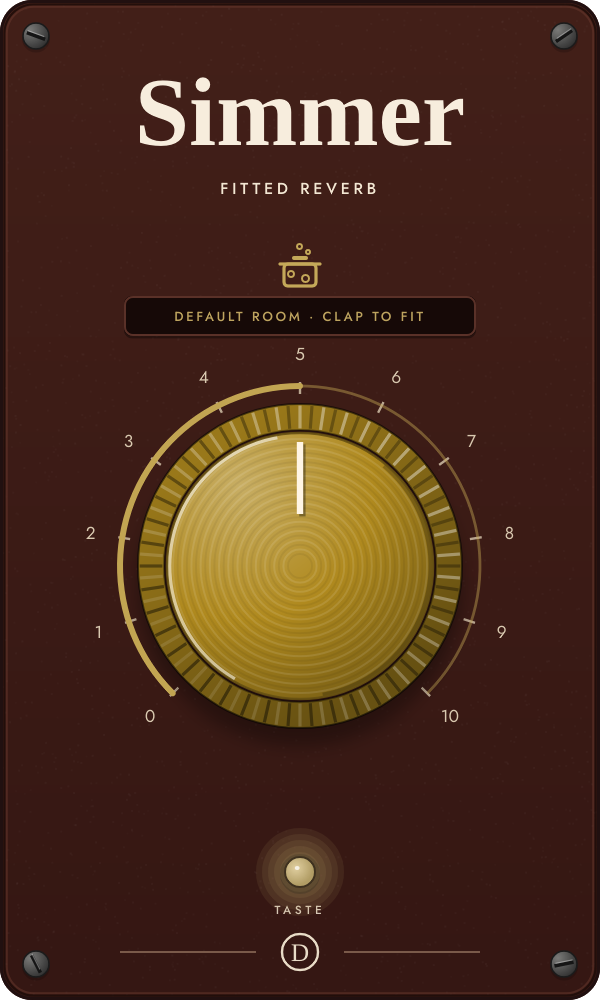
Simmer measures one clap or impulse, fits the room’s size, decay and high-frequency damping, then recreates it as a lightweight algorithmic reverb.
DryBit-exact bypass.
Short versionThe fitted room at roughly half to three-quarters of its measured decay.
Measured roomNear the tasted size and decay; 5 is the natural fit.
Extended roomA larger, more ducked space up to roughly twice the fitted decay.
The early gap and decay color should resemble the captured room. At long settings, check for metallic ringing and allow the full tail to finish.
Simmer does not auto-taste. Put it on a live mic or routed room recording, press the light, then make one sharp clap and leave about 1.5 seconds of decay. Five recalls the closest measured version.
Know this: If the signal is not a clean decaying impulse, the fit may be rejected and the previous or default medium room remains active.
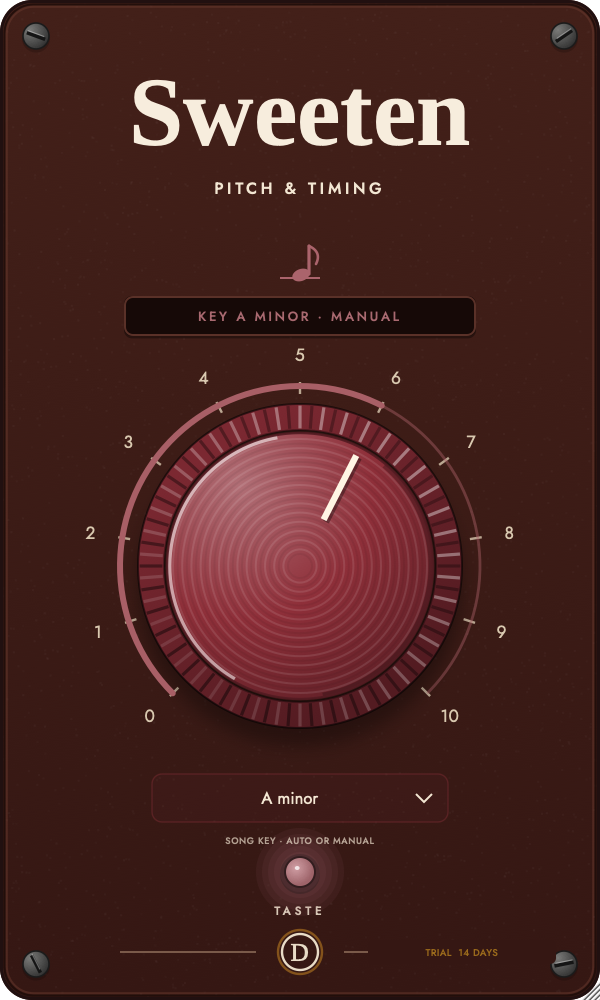
Sweeten tracks monophonic pitch and pulls voiced material toward the notes of your song. Let Auto learn the key from a short performance, or choose any major or minor key yourself.
OriginalBit-exact bypass.
CenterSlow, limited correction that keeps most natural movement.
CorrectStronger correction with a clearly faster response.
SnapFast, strong pitch movement for obvious correction or effect.
Check vibrato, note transitions, low notes and unvoiced consonants. Back off if the pitch warbles or jumps octaves.
Leave Song Key on Auto, press TASTE and play a clean monophonic phrase with several notes. If Auto chooses incorrectly, open Song Key and select the song’s major or minor key; the gauge confirms MANUAL and Taste will not replace it. Choose Auto again whenever you want to use the learned key.
Know this: This version has no formant preservation or timing correction. It will not move a note more than about one semitone, and it is not designed for chords.
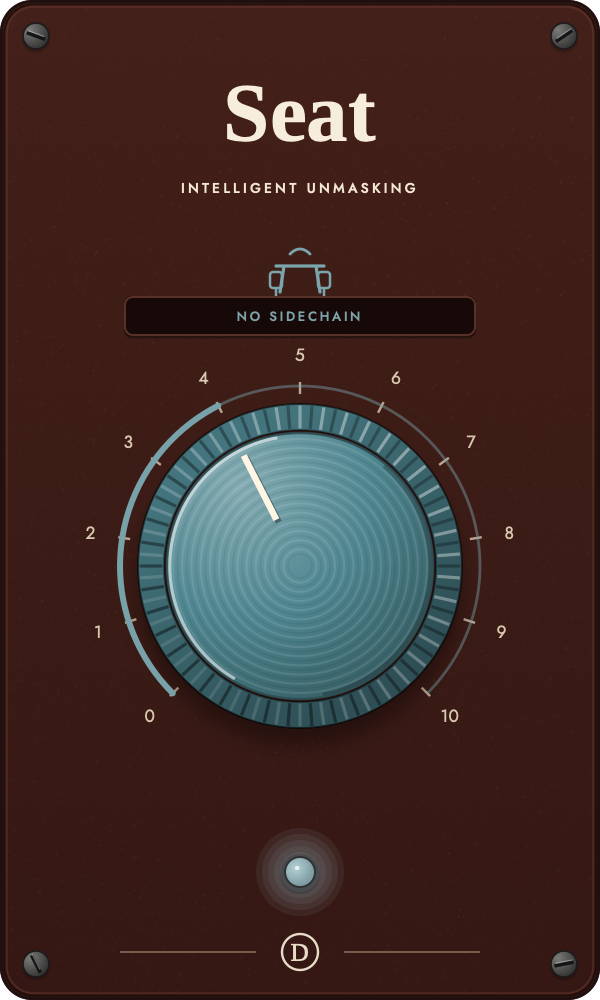
Seat listens to a priority sidechain and creates room only in the frequency bins shared by that signal and the background track.
No carveExact latency-aligned bypass.
Invisible roomSlow, shallow separation intended to disappear in the mix.
Mix-ready pocketFaster, deeper movement in overlapping bands.
Rhythmic carveUp to 12 dB of fast, pronounced spectral room.
Words or kick definition should become easier to follow without broadband pumping, stereo movement or a hollow background track.
Insert Seat on the track that should move, then route the priority track into its key input. Start at 3–4 and judge it with the full mix playing; the gauge should name the relationship and current room.
Know this: With no audible sidechain Seat is deliberately a no-op and the gauge reads NO SIDECHAIN. It must be tested through a real key input.
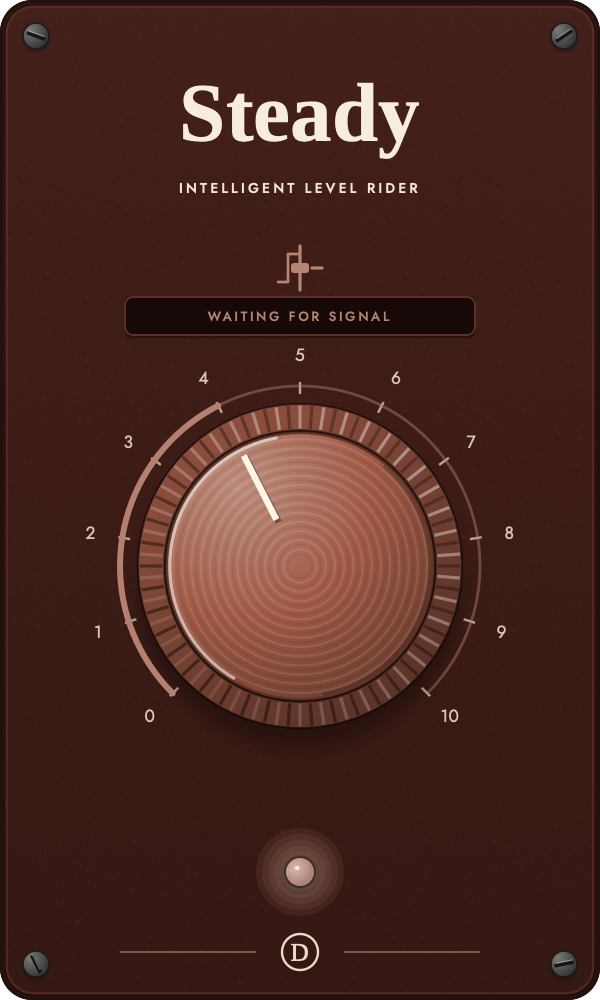
Steady compares each word or note with its phrase and the longer performance, then makes one bounded, stereo-linked fader move.
Original rideExact latency-aligned bypass.
Phrase supportSlow, restrained correction of broad level changes.
Word and note ridingMore active levelling while onsets remain protected.
Modern consistencyThe strongest bounded ride for an intentionally even foreground.
Words and phrases should sit more consistently without squeezed consonants, pumping, lifted room tone or obvious tonal change.
Insert it before character compression and play several complete phrases. Start at 2–3. Optionally feed the music bus to the key input for a slow mix-aware offset—the sidechain does not duck the foreground.
Know this: Steady has 75 ms of host-compensated look-ahead. Keep delay compensation enabled and use a lower amount if quiet background noise becomes too prominent.
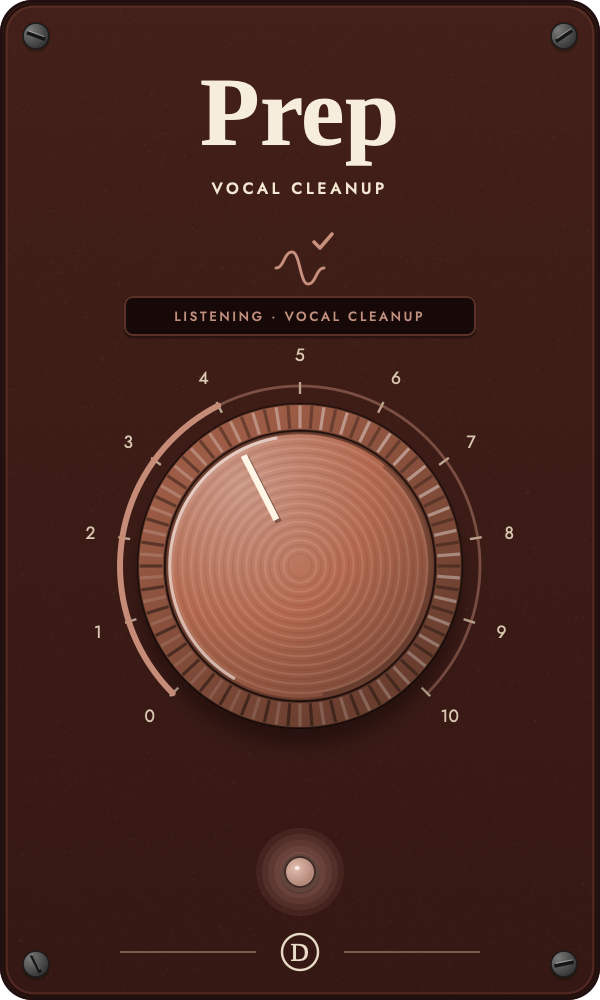
Prep treats sibilance, plosives, breaths and mouth clicks as individual vocal events instead of applying an always-on filter.
UntouchedExact latency-aligned bypass.
Light editGentle event detection and restrained repair.
Lead-vocal cleanupA practical balance of de-essing, plosive control and small repairs.
SurgicalHigher sensitivity and the deepest event-specific reduction.
Distracting events should recede while vowels, consonants, phrasing and stereo image remain recognizable. Clean sections should stay open.
Place Prep first on a raw vocal, before brightening and compression exaggerate problems. Start at 3–4 and watch the gauge identify each repair as the performance plays.
Know this: A clean take may trigger little or no processing. Back off if an ess lisps, a breath vanishes unnaturally, the vocal darkens between events or a repair creates a tick.
The useful rule