Run the transport.
Proof, Crumble and Flip use the host tempo, beat and bar position. Audition them while the session is playing long enough to hear a complete phrase—not from a stopped one-second preview.
The Afters Suite · User guide
Afters treats timing, key and phrase position as part of the sound. This guide shows what each gesture needs, how to set its musical context and what to hear before you print it.
Start hereLock the transport. Let the move land.
Before the first turn
Proof, Crumble and Flip use the host tempo, beat and bar position. Audition them while the session is playing long enough to hear a complete phrase—not from a stopped one-second preview.
Use DROP to start Proof's build, TASTE where a processor needs key or phrase context, and HOLD to capture Mousse. The gauge confirms what the plate knows.
Start at zero, turn in context and let the full build, fill, pattern or tail play. Afters is designed around musical events; a single instant rarely tells the whole story.
Plate controls
Judge Proof, Crumble and Flip with the host transport running across complete bars. Taste key-aware plates on clear musical material, and let Drizzle, Mousse and Froth finish their tails before comparing settings.
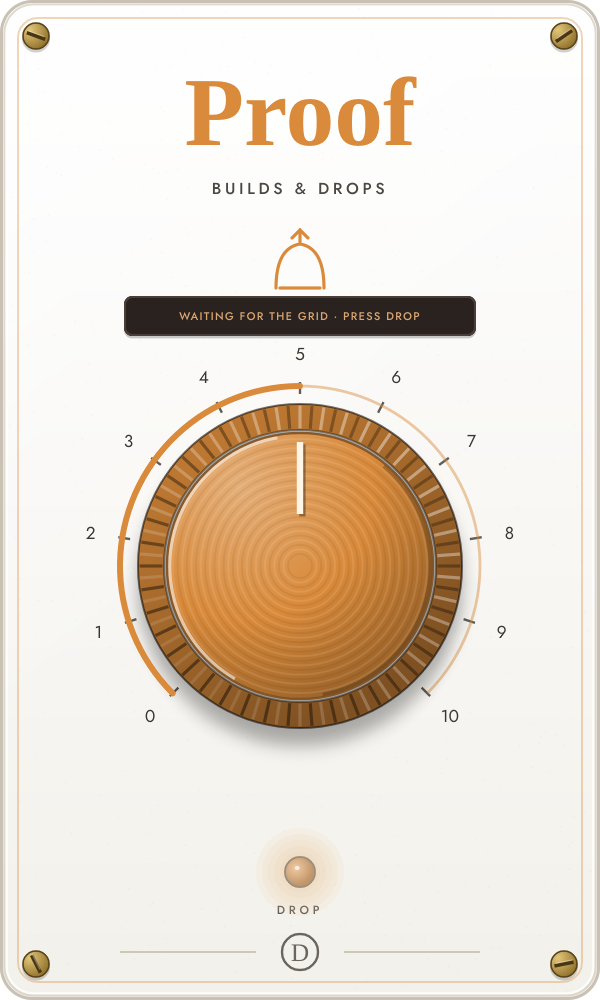
Proof turns the track itself into a produced build: filter lift, tonal riser, noise sweep, captured-hit roll, reverse swell, sub drop, gap and impact all land on the next phrase boundary.
No buildThe source passes untouched.
LiftA shorter filter rise and a whisper of tonal riser.
Produced buildAdds the captured-hit roll, sweep and stronger four-bar motion.
Full dropAdds reverse swell, shimmer bloom, gap, sub drop and impact.
The build must land on the first downbeat of the phrase, use a recognizable hit from your track and leave the material untouched between builds.
Run the host transport and press DROP on a bar line. The next bar becomes bar one; Proof lands eight bars later. Judge settings 3, 6 and 10 over the full build, not a single beat.
Know this: Proof needs valid host tempo and bar position. Confirm the session tempo and play through a full phrase to judge where the build lands.
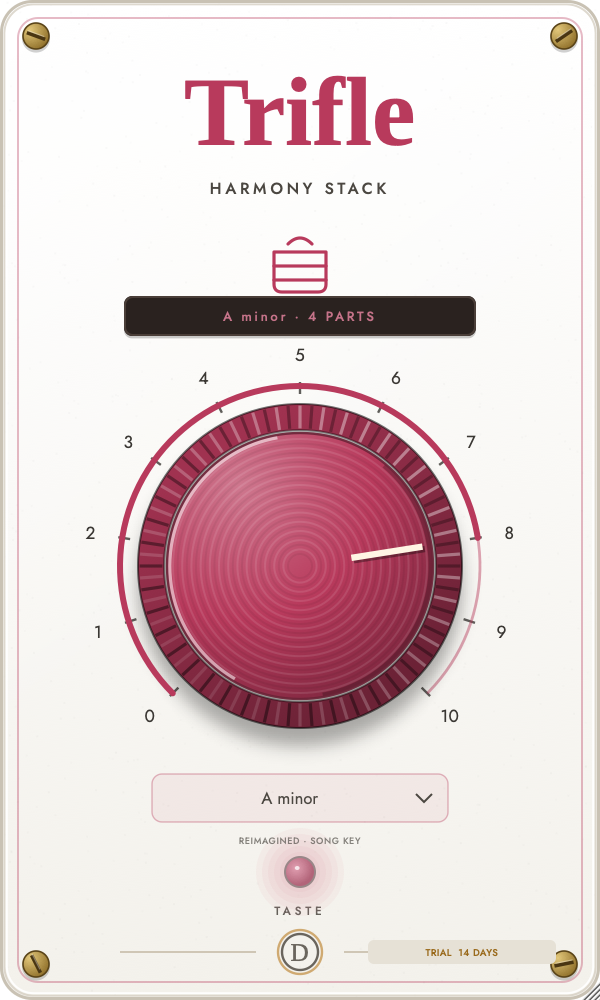
Trifle builds up to four pitch-synchronous harmony voices in your song’s key, with independent timing, drift, vibrato, formant scale, tone and stereo position. Let Auto learn the key or choose it yourself.
Lead onlyLatency-aligned bypass.
Low supportIntroduces a tucked octave below.
Harmony pairAdds an in-key voice above with wider humanisation.
Full groupAdds the lower fifth and upper octave for a wide four-part stack.
Harmony notes should follow the key while vowels remain stable and consonants stay clear. Pay special attention to note transitions and low male voices.
Use clean monophonic material. Leave Song Key on Auto, press TASTE near the start of a representative phrase and let the key display settle before judging thirds. If Auto is wrong, open Song Key and choose any major or minor key manually. Begin around 4–5.
Know this: In Auto, Trifle favors safe perfect intervals until the mode is certain. Choose the key manually when the vocal phrase does not contain enough harmonic information. It is not designed for chords or already doubled vocals.
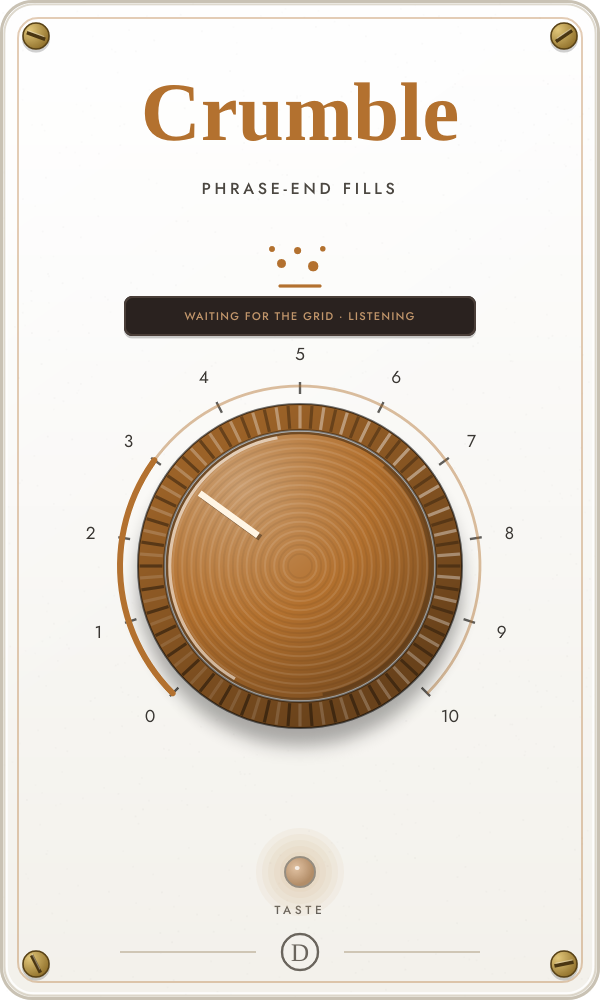
Crumble performs a deterministic fill in the last beats of a phrase using shrinking retriggers, rises, reverses, filtering and a hard clean cut on the one.
Original phraseThe source stays untouched.
Small answerSparse eighth-note repeats near the end of an eight-bar phrase.
Developed fillMore frequent sixteenth and thirty-second retriggers, rise and selective reverse.
Glitch cadenceDense phrase-end ramps as often as every two bars.
Every fill should stay at the phrase ending, remain grid-locked and cut completely clean on the next downbeat.
Run the host transport for at least eight bars. Press TASTE on the phrase origin when the session structure needs resetting, then compare 3, 6 and 10.
Know this: Crumble intentionally changes the level and density of the fill because it performs the source itself. Report any fill that occurs mid-phrase or damages the downbeat.
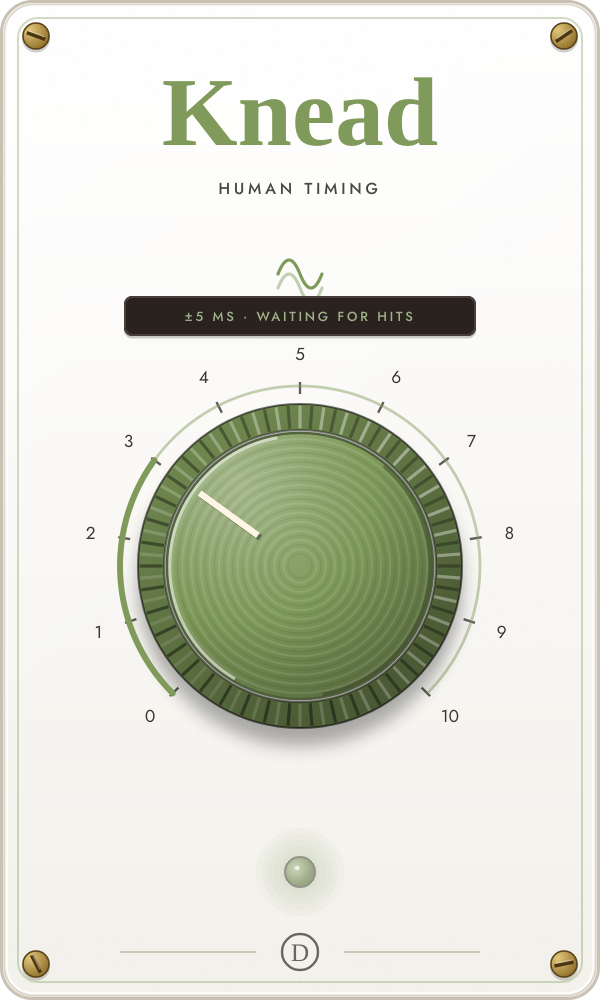
Knead finds each hit with look-ahead and applies correlated timing, level and tone variation through crossfaded delay heads so the performance loosens without clicks.
On the gridLatency-aligned bypass.
Human driftA few milliseconds of correlated timing movement.
Played feelAdds level, tone and groove-template variation.
Loose pocketUp to roughly ±16 ms with selected soft, darker flams.
The loop should feel played rather than smeared. Hits must remain single, click-free and centered around the original timing over many bars.
Use a clearly quantised rhythmic source and listen for at least four bars. Start at 3; compare 5 and 10 only after the groove has had time to reveal itself.
Know this: Knead is controlled humanisation, not timing correction. Avoid it on material whose original microtiming is already essential to the groove.
Froth makes a living texture bed from the source itself: followed air, a granular pitched halo, key-aware resonant drone and sparse filtered grain.
DryThe source passes untouched.
BreathA quiet air layer follows the source envelope.
HaloAdds a pitched granular cloud made from recent source audio.
Tonal bedAdds the key-aware drone and, at the top, sparse filtered grain.
The bed should follow the part, sit beneath it and disappear in silence. The halo should sound related to the source; there should be no constant broadband hiss.
Press TASTE and play a phrase with enough notes to establish the key. Start at 4–5 so the halo is audible, then add the drone only after the displayed key is correct.
Know this: Give the key tracker a full phrase. If the drone bows on the wrong tonic or hops octaves, retaste clearer harmonic material before turning higher.
Skim recreates the musical artifacts of constrained streaming: dropped spectral lines, fine quantisation, bandwidth lid, band replication, joint stereo and packet loss.
OriginalExact bypass with the reported codec latency.
Clean streamA gentle top-end lid with nearly all spectral detail retained.
Low bitrateFewer spectral lines create audible smear and birdies.
Joint stereoBand replication and a progressively narrower, coarser image.
Call droppingExtreme 8 kbps character with deterministic packet loss.
Hats should swirl and smear as bitrate falls, then the image should narrow. The effect must stay loudness-controlled and deterministic.
Use a bright, harmonically busy loop. Compare 3, 5, 7 and 10; leave enough time at each position to hear spectral detail appear and vanish between frames.
Know this: Skim is an original codec-style effect, not an encoder for any named format. Pre-echo is part of the sound, but report it if it reads as a separate delay.
Drizzle places pitch shifting inside a reverb feedback loop so each recirculation climbs through octave, fifth and key-aware intervals while the dry path stays untouched.
DryThe direct source passes untouched.
Octave mistA short, quiet octave-up shimmer.
Fifth and octaveA longer, consonant two-interval tail.
Moving skyLonger key-aware steps, dual shifting and slow drift.
The tail should remain consonant, decay rather than accumulate, leave the dry pitch stable and keep the low end still.
Press TASTE and play a representative chord or melodic phrase. Confirm the key in the gauge, then begin at 3–4 and listen through the complete decay.
Know this: At 10 the tail may last several seconds. Stop the source and let it finish before judging buildup or choosing another setting.
Mousse turns a moment into a sustained spectral pad, then progressively snaps its held partials to the learned key and reshapes them into a moving harmonic comb.
OriginalThe dry path stays untouched.
Spectral sustainThe held spectrum follows the input with a long release.
Infinite holdCaptures and sustains one spectral moment with subtle phase motion.
In-key padSnaps held partials to the key and gradually replaces detail with a moving harmonic texture.
The hold should remain stable after transport stops without metallic buzz, glassy buildup or a wrong-note snap.
Taste the key first, then press HOLD on a clean chord or resonant note. Let the dry source stop and evaluate the pad by itself before setting its level in context.
Know this: The captured pad begins after its analysis window by design. If the held source is noisy or harmonically ambiguous, capture a cleaner moment.
Serve is the free final check: integrated loudness, oversampled true peak and mono compatibility metering, followed by optional transparent ceiling and audible loudness stages.
Meter onlyLatency-aligned, bit-exact audio with output metering.
Safe ceilingIntroduces a transparent −1 dBTP ceiling.
Streaming liftMoves short-term level toward roughly −14 LUFS when the mix is below it.
Loud and denseTargets stronger loudness with bounded lift, soft clipping and true-peak control.
At low settings an already-safe mix may sound unchanged. Higher settings should become clearly louder and denser without pumping or fuzzy clipping.
Place Serve last and play the loudest section, then a full pass for meaningful integrated loudness. Compare its LUFS and true-peak readings with the DAW meter.
Know this: Serve does not dither, export a compliance report or claim to master the record. It is included free and never requires a license.
Flip turns incoming audio into a deterministic four-bar reverse beat, using real grid-locked slices while protecting every quarter-note downbeat.
StraightExact latency-aligned bypass.
Sparse flipsOccasional syncopated reverse answers between clean downbeats.
Developed beatFills out the fixed four-bar reverse score with more offbeat responses.
Reverse overdriveDense answers and selective thirty-second reverse ratchets.
The pattern should repeat exactly, stay locked to the host grid and preserve every downbeat without clicks or damaged attacks.
Run the transport and listen for at least four bars. Compare 3, 7, 9 and 10 on drums, a loop or a full stem so the pattern—not a single flip—can be judged.
Know this: Flip delays the source by a fixed 500 ms so it can reverse real incoming slices. Host delay compensation must be active.
Toss listens for a phrase ending, captures the complete final word, note or hit, and answers in the gap with a tempo-locked throw that grows from a clean reply into polished stereo atmosphere.
DryThe performance stays untouched while Toss listens.
Clean answerOne clear phrase-end reply with restrained filtering.
Pop throwAdds moving stereo repeats, detuned doubles and a polished plate return.
Immersive bloomBuilds a denser, wetter echo pattern with a deeper hall atmosphere.
The complete final word, note or transient should return—not only its trailing consonant. With a manual timing selected, the first reply should begin one chosen note value after the musical ending.
Set the session tempo, choose Auto or a note value from 1/32 through 1/2, and run the transport. Start around 4–5 on a vocal with clear phrase gaps, then compare straight, triplet and dotted timings.
Know this: Toss needs a detectable phrase ending and enough room for the answer. Continuous material or a new phrase that begins immediately can suppress or duck the throw to protect the lead.
The useful rule